
Attach your Rate Confirmation.
I'll have your invoice done in seconds.
Your broker already sends the Rate Confirmation as a PDF. Attach it, snap the signed BOL, and I'll build the complete invoice — the same way I build my own, every day.
Start with a 30-day free trial — no credit card required.
Built for owner-operators and small carriers who want to invoice faster without doing the paperwork by hand.
Invoice #1042
Load # 8842019
Broker
Coastal Freight
Rate
$2,450.00
Miles
612
Due
30 Days
Built for the real trucking paperwork flow
- Attach the Rate Confirmation PDF you already have
- Snap the signed BOL or POD from your phone
- Build the complete invoice automatically
- Prepare it for broker or factoring delivery
- Keep invoice records organized in one place
Watch the full invoice get built from the real documents
The Rate Confirmation is a PDF you already have from the broker's email — attach it. The only thing you photograph is the signed BOL or POD. Omalos takes both and builds the complete invoice, ready to review and send.
Built from real documents
Every invoice comes from the actual Rate Confirmation and signed BOL for that load — nothing guessed, nothing typed in.
Only one thing to photograph
The Rate Confirmation is already a PDF. You only need the camera for the signed BOL or POD.
Ready to review before it sends
The finished invoice is built in seconds, so you can check it and send it before you leave the yard.
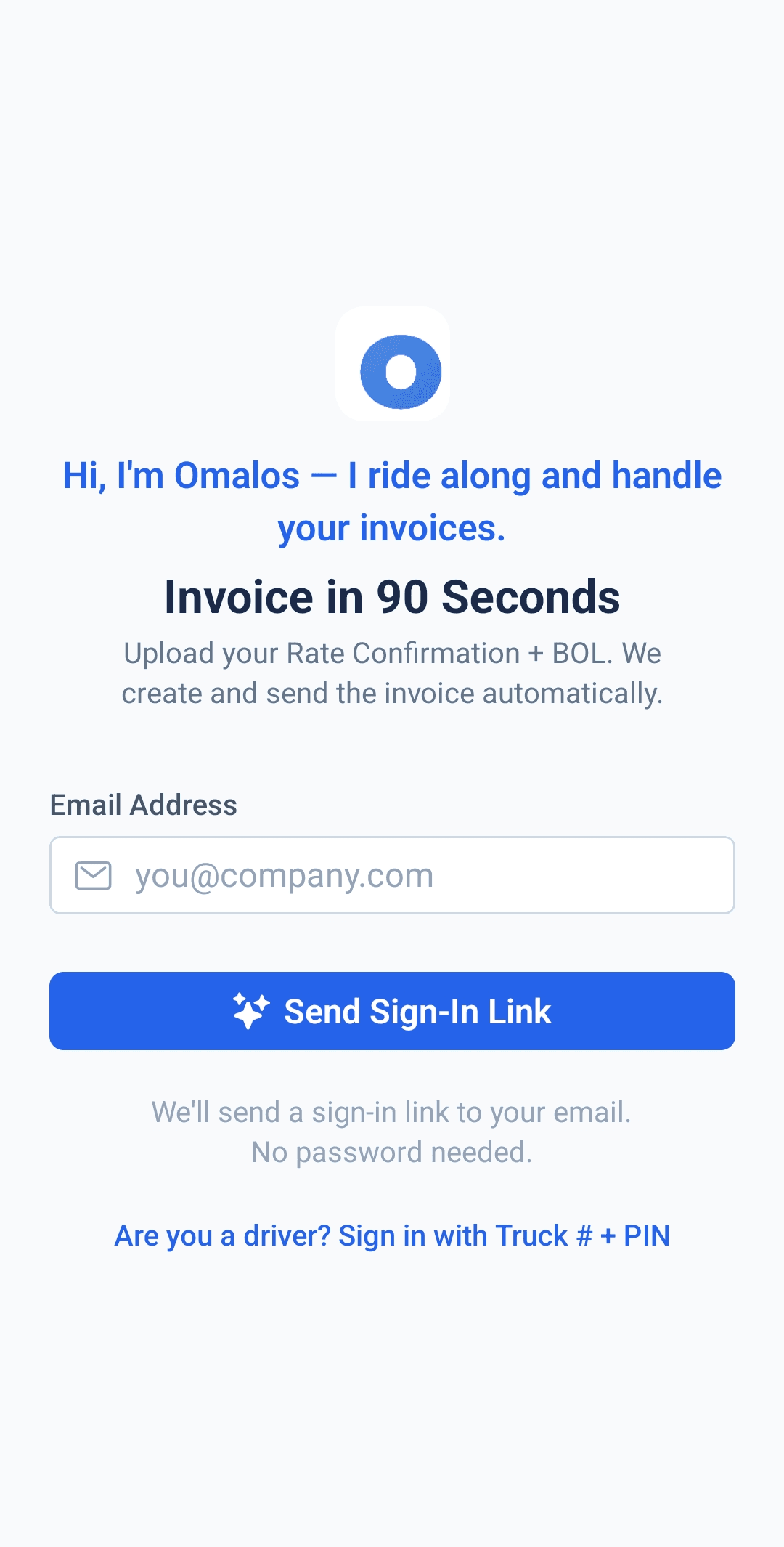
Sign in, no password needed
One email, one link. I'm ready to go as soon as you are.
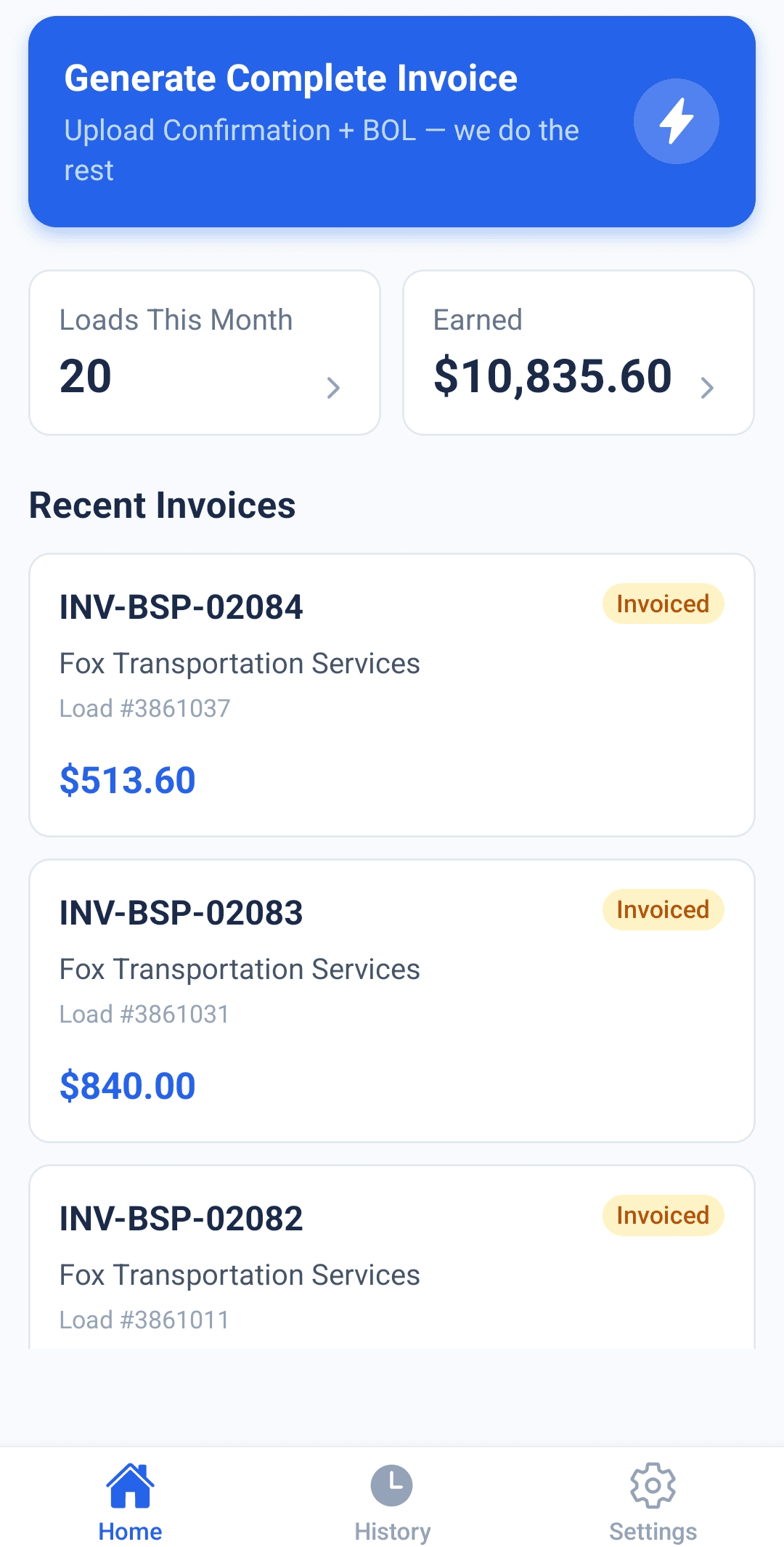
Tap Generate Complete Invoice
One button starts it — attach your Rate Confirmation and signed BOL from there.
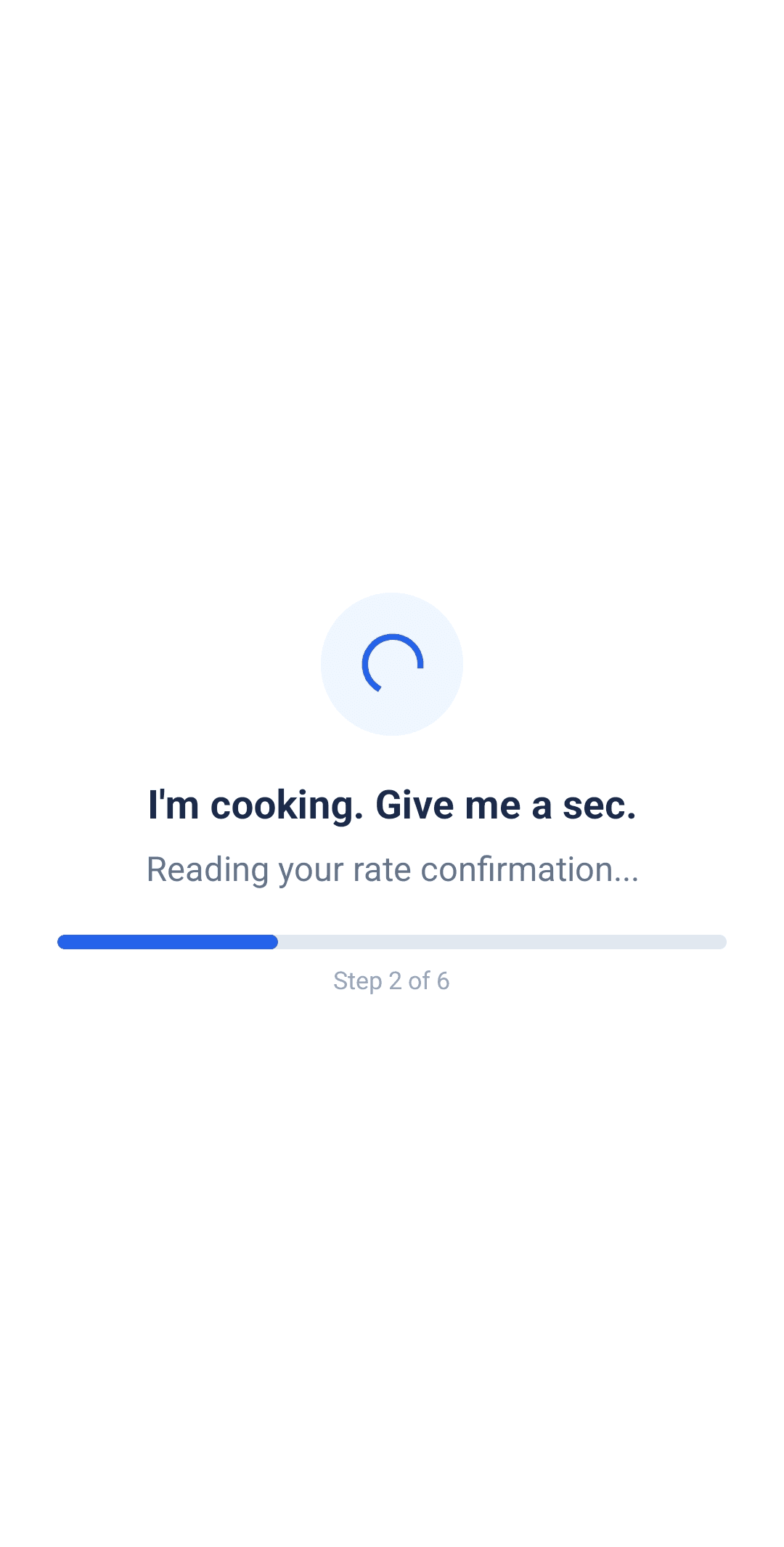
I build it in the background
Reading the documents, pulling the load number, broker and rate, building the PDF.
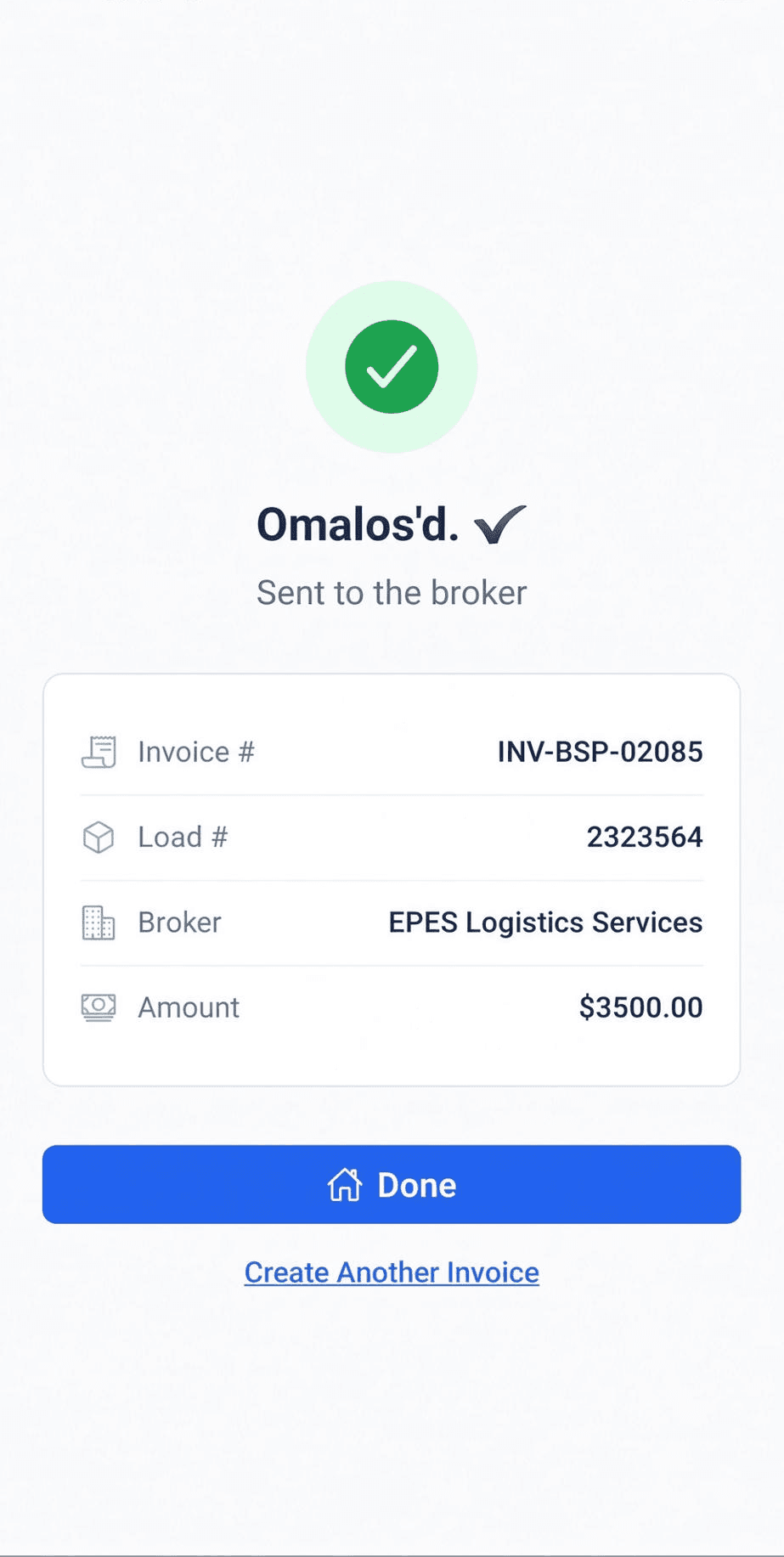
Sent, and on file
Delivered to the broker, with invoice number, load, broker and amount already filled in.
From Rate Confirmation and signed POD to complete invoice in 4 steps
Built for the moment after delivery — the Rate Confirmation is already in your email, and all you need to add is the signed proof of delivery.
Attach the Rate Confirmation
Your broker already sent it as a PDF by email. Attach the file you already have — no photographing, no re-typing.
Snap the signed BOL or POD
Take a picture of the signed Bill of Lading or Proof of Delivery from your phone, right from the cab, yard, or dock.
Build the complete invoice
Omalos reads both documents and pulls what it needs — broker info, load number, and rate.
Send it out
Press Create Invoice. Omalos builds the completed invoice and prepares it for delivery to the broker or factoring company.
Everything you need to invoice faster after every load
I remove the manual invoice work that usually happens after delivery, so you spend less time on paperwork and more time moving.
Use the Rate Confirmation you already have
Attach the PDF from the broker's email — no photographing required.
Only the BOL/POD needs a photo
It's the one document in the pair that isn't already digital.
Builds the complete invoice automatically
Broker info, load number, and rate — pulled from your paperwork for you.
One button to finish
Attach, snap, and press Create Invoice. That's the whole job.
Built for small fleets
Designed around owner-operators and carriers running up to three trucks, not enterprise logistics software.
Your invoice history, organized
Every load and invoice is kept in one place, so you can see what's been sent, paid, or is still outstanding.
Less manual work, more confidence in what gets sent
I build every invoice from the same two real documents — the Rate Confirmation your broker emailed you, and the signed proof of delivery from the load. Nothing invented, nothing guessed. That's what keeps things fast without cutting corners on what gets sent.
- Built specifically for trucking carriers
- Uses the actual Rate Confirmation and signed BOL/POD from the load
- Removes repetitive invoice assembly work
- Keeps invoice activity tied to your paperwork and account records
Built for carriers who handle invoicing themselves
I'm made for owner-operators, small carriers, and fleets without a big back-office team. If your invoicing still means digging up the Rate Confirmation, photographing delivery paperwork, and building the invoice by hand — that's exactly the routine I'm here to replace.
Why I built this
I've been in trucking about 30 years — the last six-plus dealing directly with brokers, invoicing, and factoring companies. I run local lanes in the Chicago area, sometimes two or three loads a day, and every one of them used to end the same way: time lost to paperwork. So I built Omalos to fix that. I still use it myself, every day, from the truck — an invoice now takes seconds.
— Boris, founder of Omalos
- 30 years in the trucking profession
- 6+ years invoicing brokers and factoring companies myself
- Built from real Chicago local-lane paperwork
- Used every day, from the truck
Frequently asked questions
What do I actually need to upload?
The Rate Confirmation PDF your broker already emailed you, and a photo of the signed BOL or POD. Attach one, snap the other.
Do I need to photograph the Rate Confirmation too?
No. In the normal workflow, you already have it as a PDF from the broker's email, so you just attach that file.
What does Omalos create from those documents?
Omalos reads the Rate Confirmation and the signed BOL or POD, then builds the complete invoice package and prepares it for delivery.
Who is this built for?
Owner-operators and small trucking carriers who want to get invoices done quickly after delivery without manually putting every piece together.
Stop building invoices by hand.
You already have the Rate Confirmation. Once you've got the signed BOL or POD, I'll turn both into a complete invoice — faster.
Less paperwork. Less typing. Faster invoicing after every load.